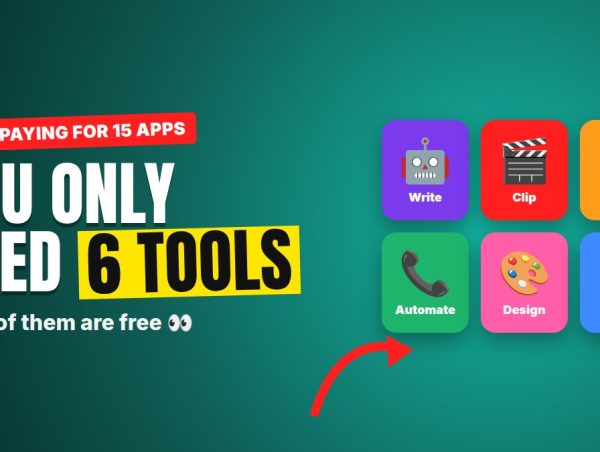
The fastest way to fail at an AI side hustle is to sign up for 15 tools and use none of them well. You need one tool per job — and most have free plans so you can test before paying.
Here are the six that cover every method on our list, and which hustle each one is for.
1. ChatGPT or Claude — your all-in-one assistant
Used for: every method.
Scripts, hooks, cold emails, listing rewrites, newsletter summaries, template content. If you only use one AI tool, make it this one.
Pro tip: save your best prompts in a document. A prompt that writes great ad hooks is an asset you’ll reuse hundreds of times.
Price: free plans available; paid plans unlock better models and higher limits.
2. OpusClip (or CapCut) — short-form video
Used for: clipping programs, AI UGC ads.
OpusClip turns long videos into short clips automatically: it finds strong moments, reframes vertically and adds captions. CapCut is the free editor for final touches — captions, text, music, B-roll.
Price: both have free options; paid plans remove watermarks and add features.
3. HeyGen or Arcads — AI avatar videos
Used for: AI UGC ads for brands.
Type a script, choose an avatar, and get a talking-head video without filming yourself. Arcads is built specifically for ad-style content; HeyGen is more general and popular for many uses.
Important: only use licensed avatars and never clone a real person without permission.
Price: paid plans; some offer free trials.
4. GoHighLevel (or an AI voice platform) — local business automation
Used for: the missed-call AI you sell to local businesses.
GoHighLevel handles missed-call text-back, booking calendars and client accounts — built for agencies that resell to clients. For AI that actually answers phone calls, look at voice platforms like Retell AI or Synthflow.
Price: monthly subscription plus usage; check current plans and trials.
5. Canva — templates and design
Used for: Etsy templates, newsletter graphics, ad thumbnails.
Canva is where most editable Etsy templates are built — and buyers love receiving a Canva link they can edit. It also has built-in AI features for text and images.
Price: free plan; Pro unlocks premium elements and features.
6. ElevenLabs — AI voices
Used for: narration, voiceovers, AI ads.
Some of the most natural-sounding AI voices available, with support for many languages. Great for course narration, YouTube voiceovers and ad audio.
Important: check that your plan includes commercial rights before selling any audio.
Price: free tier; paid plans for commercial use and more characters.
Bonus: where to publish and sell
- beehiiv: newsletters with a built-in ad network.
- Etsy: digital templates (remember to disclose AI use in the description).
- Whop: marketplace for paid clipping campaigns.
- Fiverr / Upwork: find freelance clients for listings, ads and voiceovers.
Which tools do you need for your method?
| Method | Tools | Starting cost |
|---|---|---|
| Clipping | ChatGPT/Claude + OpusClip/CapCut | $0–$20 |
| AI UGC ads | ChatGPT/Claude + HeyGen/Arcads + CapCut | $30–$100/mo |
| Missed-call AI | ChatGPT/Claude + GoHighLevel or voice platform | $50–$150/mo |
| Amazon listings | ChatGPT/Claude | $0–$20/mo |
| Etsy templates | ChatGPT/Claude + Canva | $0–$40 |
| Newsletter | ChatGPT/Claude + beehiiv | $0 to start |
| AI narration | ElevenLabs | ~$20/mo |
The rule: pick one method, get the 2–3 tools it needs, and ignore the rest until you get your first payment.
Prices and plans change often — check each tool’s website for current pricing. We may mention tools we don’t have a relationship with; this is not a paid endorsement.